 Release tips
How to find your song links in DistroKid, TuneCore, Ditto and Amuse
Your distributor usually has links to your release, either in your account or in the email it sends when the song goes live. Here is where to look in DistroKid, TuneCore, Ditto and Amuse, and what to do when a link is missing.
We took these steps from each distributor’s own help pages on November 1, 2026. Menus change, so follow the link if something looks different.
DistroKid
DistroKid’s link is called HyperFollow. You’ll find it on your album page, or in the Features menu at the top right under Promote yourself. When your release goes live, the page adds the links to the streaming services by itself, and the address stays the same (DistroKid help).
TuneCore
Open your release in your TuneCore account and look for Store Links on the right of the page. TuneCore lists iTunes, Apple Music and Spotify there. The Apple links can appear a little later, once the release is available. For other stores, it points you to its LinkShare feature or a search by title and artist (TuneCore help).
Ditto Music
Go to Music in your account, scroll to your releases and open the Completed tab. Click your release and choose Get Your SmartLink. It becomes available 48 hours after your release has passed Ditto’s checks and the stores have accepted it, and Ditto emails you when it’s ready (Ditto help).
Amuse
Once your release is live, Amuse sends a confirmation email with a smart link. You can also copy the direct links from the stores themselves (Amuse help).
Another distributor?
Look in three places, in this order:
- The email you got when your release went live.
- The page for that release in your account. Look for words like links, store links, smart link or promote.
- The help center of your distributor. Search for “links to my release”.
If you find nothing, you don’t need your distributor for this. Open your song on each platform and copy the link from the share menu.
Why a link is still missing
Your distributor delivers your song, but each platform then processes it on its own schedule. So it’s normal for Spotify to be ready before another store, even on release day. Two things help:
- Deliver early. Upload your release a few weeks ahead rather than a few days. Our release checklist has the timing.
- Share a link that can change. Post a page you can update, not the link of a single store. Then a platform that goes live later can simply be added, and your posts stay correct.
Is your distributor’s link enough?
Often, yes. It’s included and it does the main job. Before you rely on it, check two things: what the page looks like on your phone, and what happens to the link if you ever change distributors.
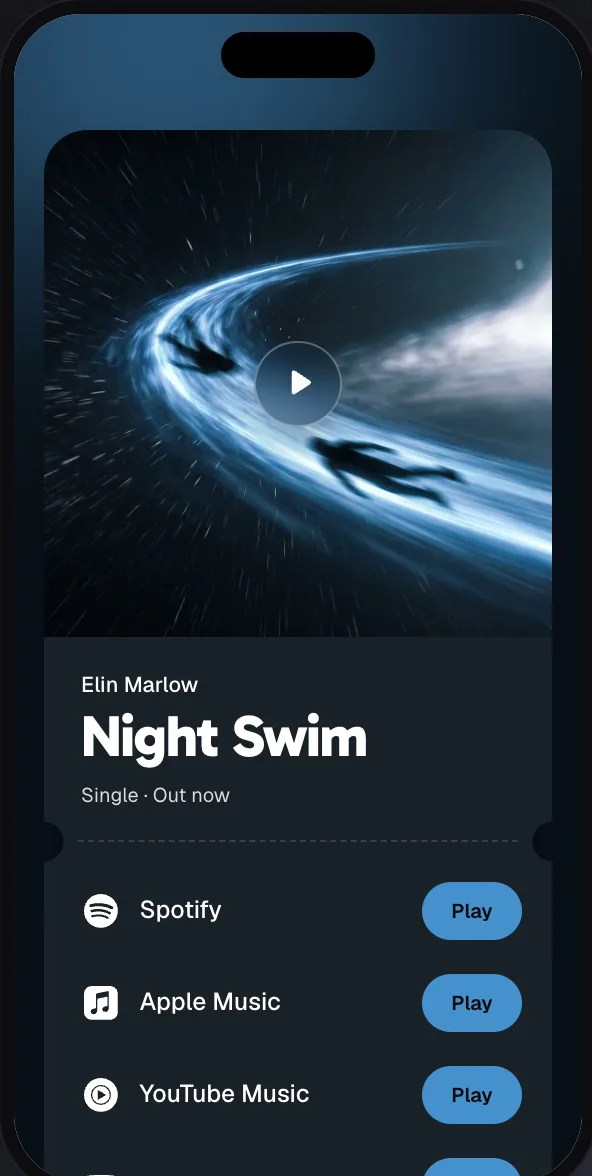
If you’d like a page that looks like your cover, works with any distributor and shows you where your fans come from, try meloshare. Paste any one of your song links, and it builds the page. See what those pages can look like.