 Release tips
Single release checklist: what to do, week by week
Start about six weeks before release day. Finish your song and cover first, upload to your distributor three to four weeks ahead, pitch to Spotify at least seven days before, and have your link and posts ready before the song comes out.
Lead times differ between distributors, so check yours. If you have less time, keep the order and shorten the gaps. Delivering late is the mistake that costs you the most.
Six weeks before: get everything ready
- Finish the master, and export the versions you need, such as a clean version.
- Finish the cover. Most distributors ask for a square image of at least 3000 × 3000 pixels, but check yours.
- Write down the song title, the exact spelling of your artist name, and every songwriter and producer credit.
- Make sure you have the rights to everything in the song, including samples and bought beats.
- Pick a release day. Friday is the usual day for new music, and you should check that it doesn’t fall on a holiday.
- Register with your performing rights organization if you haven’t yet, such as GEMA, PRS or ASCAP.
Three to four weeks before: upload
- Upload to your distributor, with the release date you picked.
- Spell your artist name exactly as on your earlier releases, so the song lands on the right profile.
- Claim your profiles on Spotify for Artists and Apple Music for Artists, if you haven’t yet.
Two weeks before: pitch and plan
- Check that the song appears under Upcoming in Spotify for Artists. It can take around 48 hours after delivery.
- Pitch the song to Spotify’s editors. Pitch at least seven days before release, and it also goes into your followers’ Release Radar.
- Plan your posts: an announcement, a few short clips and something for release day.
- Write to blogs, radio shows and playlist curators who fit your music, with a private link to the song.
One week before: build your page
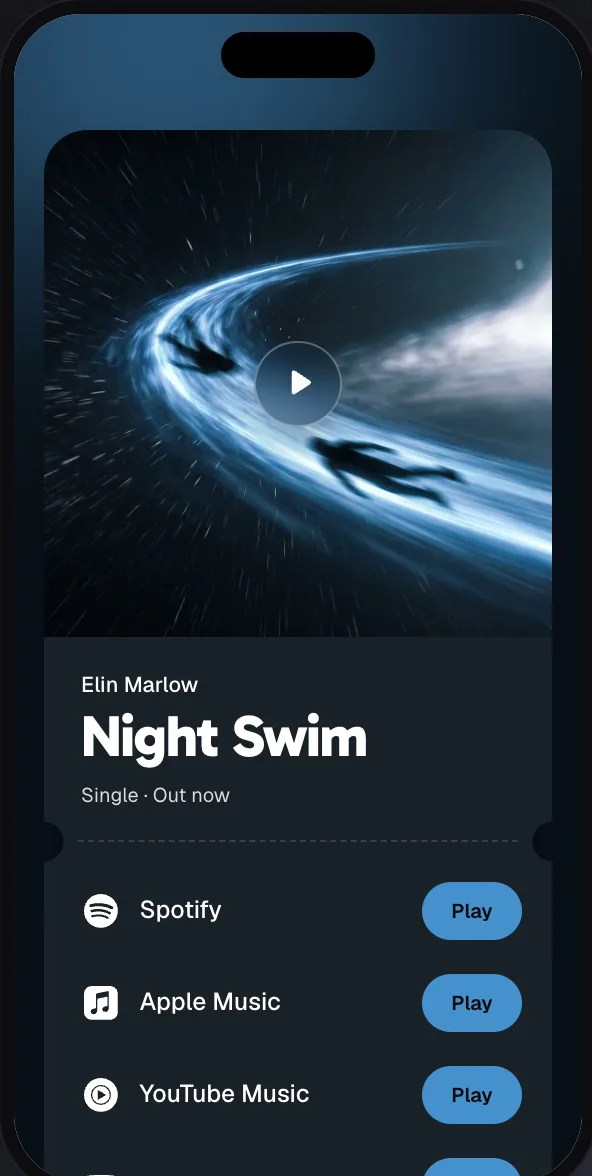
- Set up your release link, so you have one address for every post.
- Find out where your distributor shows your links.
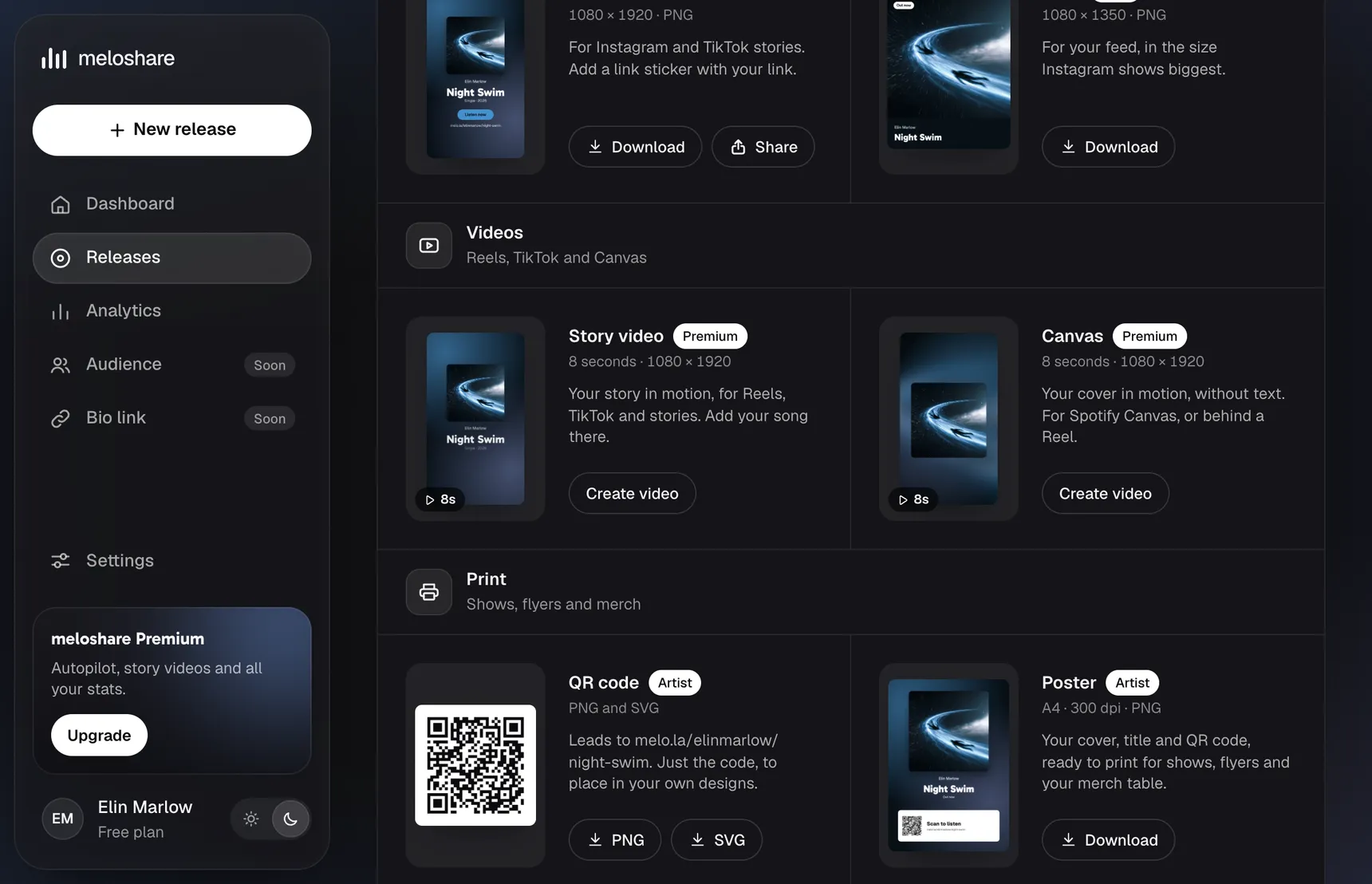
- Prepare your story image, post and caption in advance, so release day isn’t spent in a design app.
- Tell the friends, collaborators and fans who’ll share it which day it’s coming.
Release day
- Open your song on each platform. If one is still missing, it may just be slower, so copy the links as they appear.
- Open your release link on your phone and tap every button.
- Put the link in your bio, and post your story and your main post.
- Send the link to the people who said they’d share it.
- Answer every comment and message. It’s the easiest day to get replies from fans.
The week after
- Keep posting. Most of your followers missed the first post.
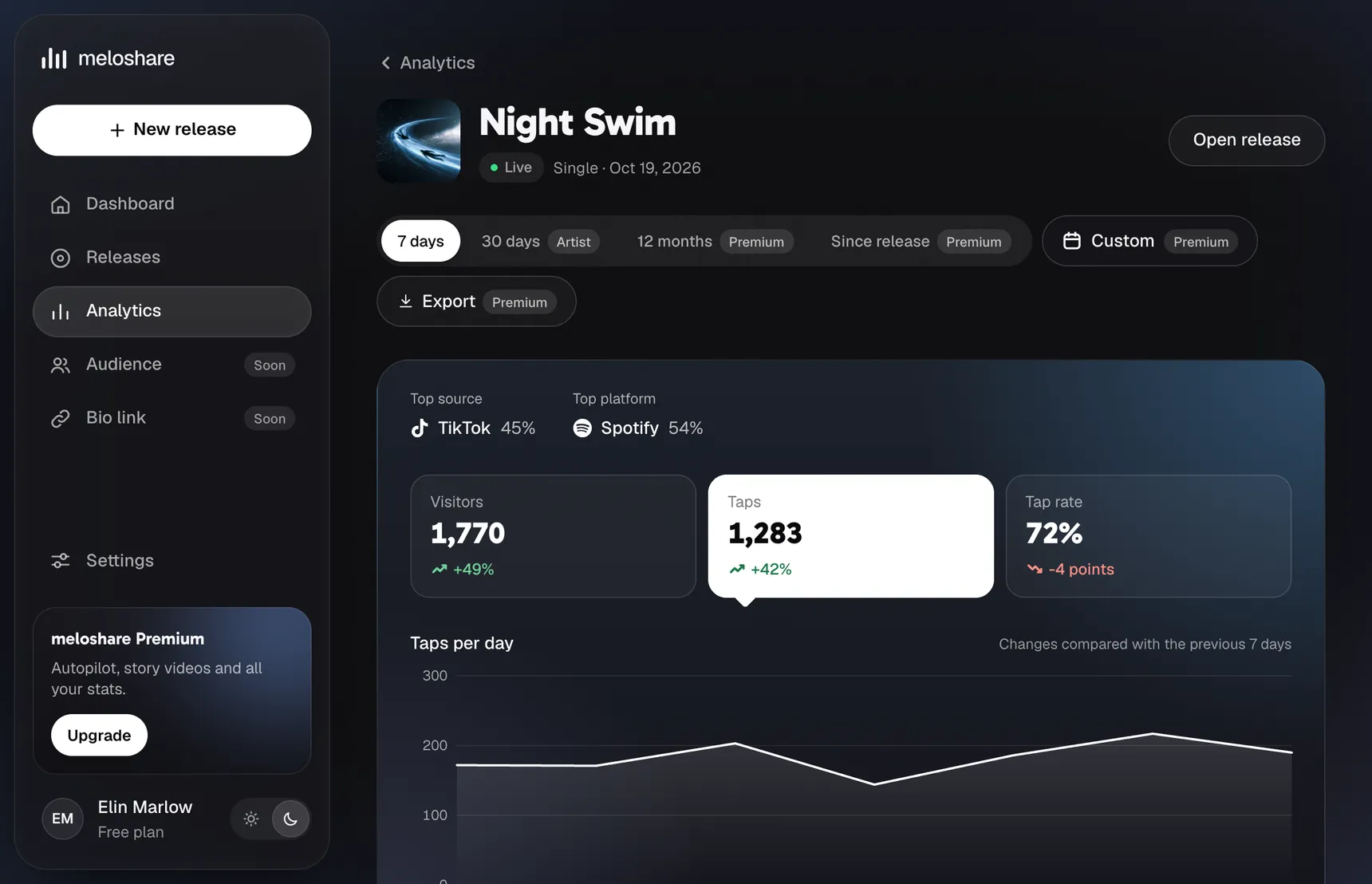
- Look at your stats: where people came from and which platform they chose. Do more of what worked.
- Thank everyone who shared or featured your song.
- Write down what you’d do differently, and set a date for your next release.
Start with your link
You don’t need the whole list done to make your page. Create your release link with the free plan and add to it as the release gets closer. If your song isn’t out yet, you can start without a song link and add the platforms later.