 Release tips
How to create a smart link for your music, for free
A smart link is one address that takes each fan to your song on the platform they use. To make one, copy your song link from Spotify or another platform, paste it into a smart link tool, check that every platform is right, and share the new link.
What a smart link is
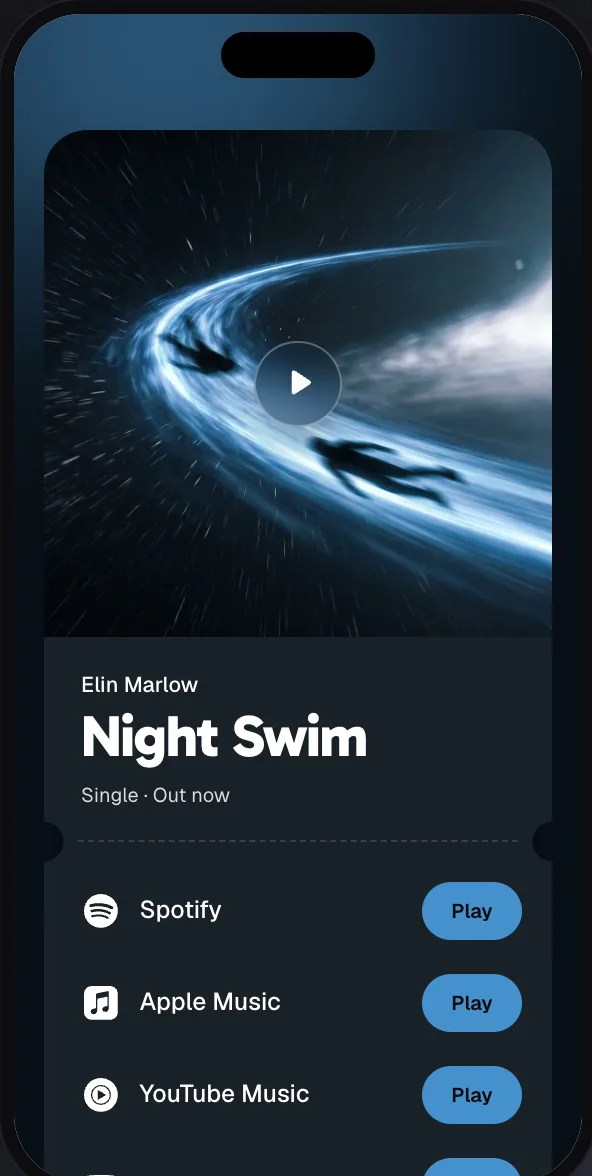
Your fans don’t all use the same app. If you post a Spotify link, everyone on Apple Music or YouTube Music has to go and search for your song, and many of them won’t. A smart link solves that: one address opens a small page with your song on every platform, and each fan taps their own.
You’ll also see it called a song link, music link, fan link or release link. They all mean about the same thing. At meloshare we say release link, because the page belongs to one release.
What a good one does
- It opens fast on a phone. Most fans arrive from Instagram, TikTok or WhatsApp and won’t wait.
- It leads with the song. Cover, title, artist and the platform buttons, without a pop-up or a long text first.
- It keeps the same address. You can fix a wrong link later without changing what you already posted.
- It shows you what happened. How many people came, where from, and which platform they chose.
How to create one, step by step
Here is how it works in meloshare. The free plan is enough for this, and other tools follow similar steps.
1. Copy your song link
Open your song on Spotify, Apple Music, YouTube or Deezer and copy the link from the share menu. Not sure where that is? Here is where to find the link on each platform.
2. Paste it
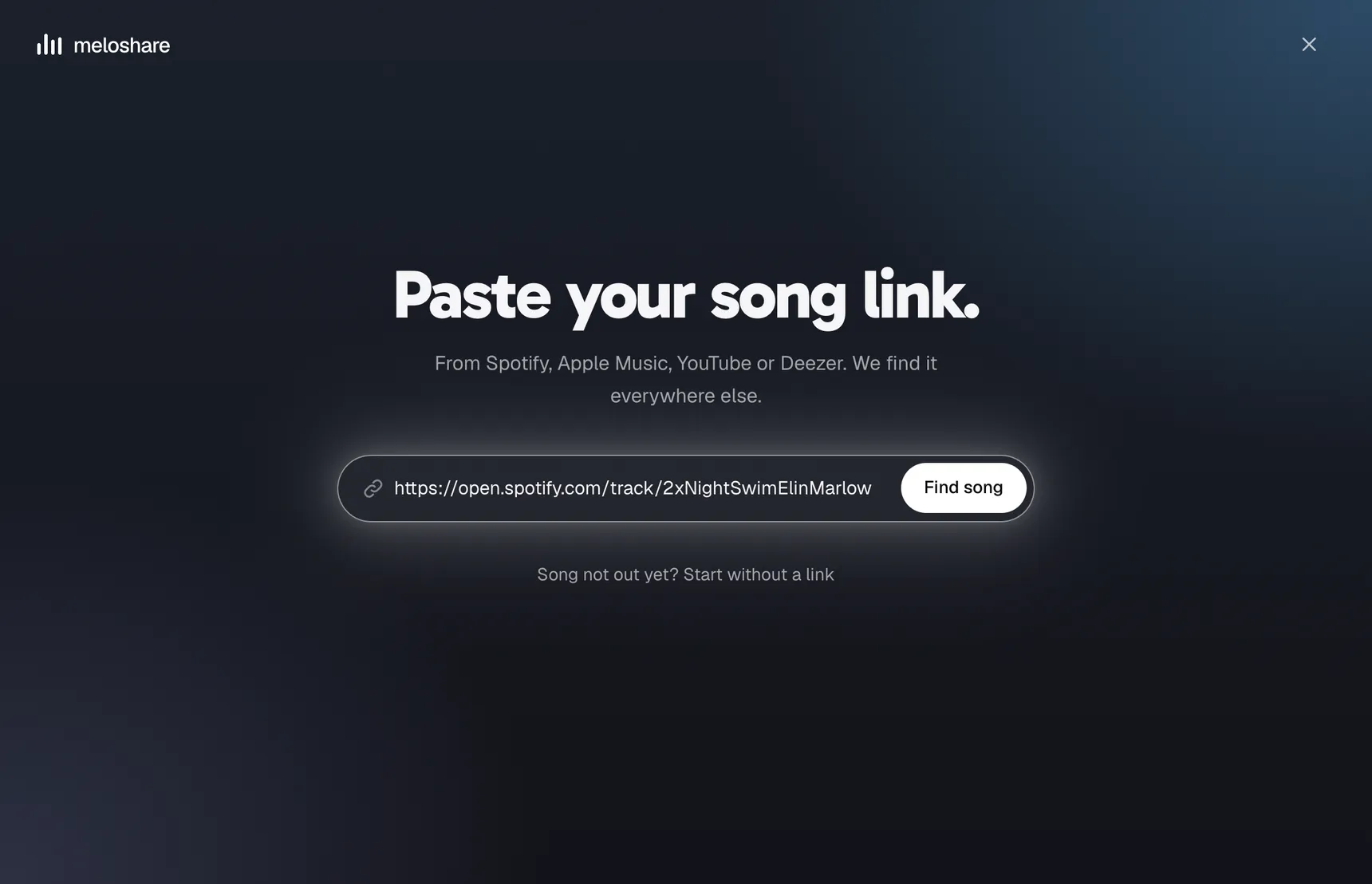
Paste the link and choose Find song. meloshare looks your song up on the other platforms and takes the title, artist and cover from it.
3. Check every platform
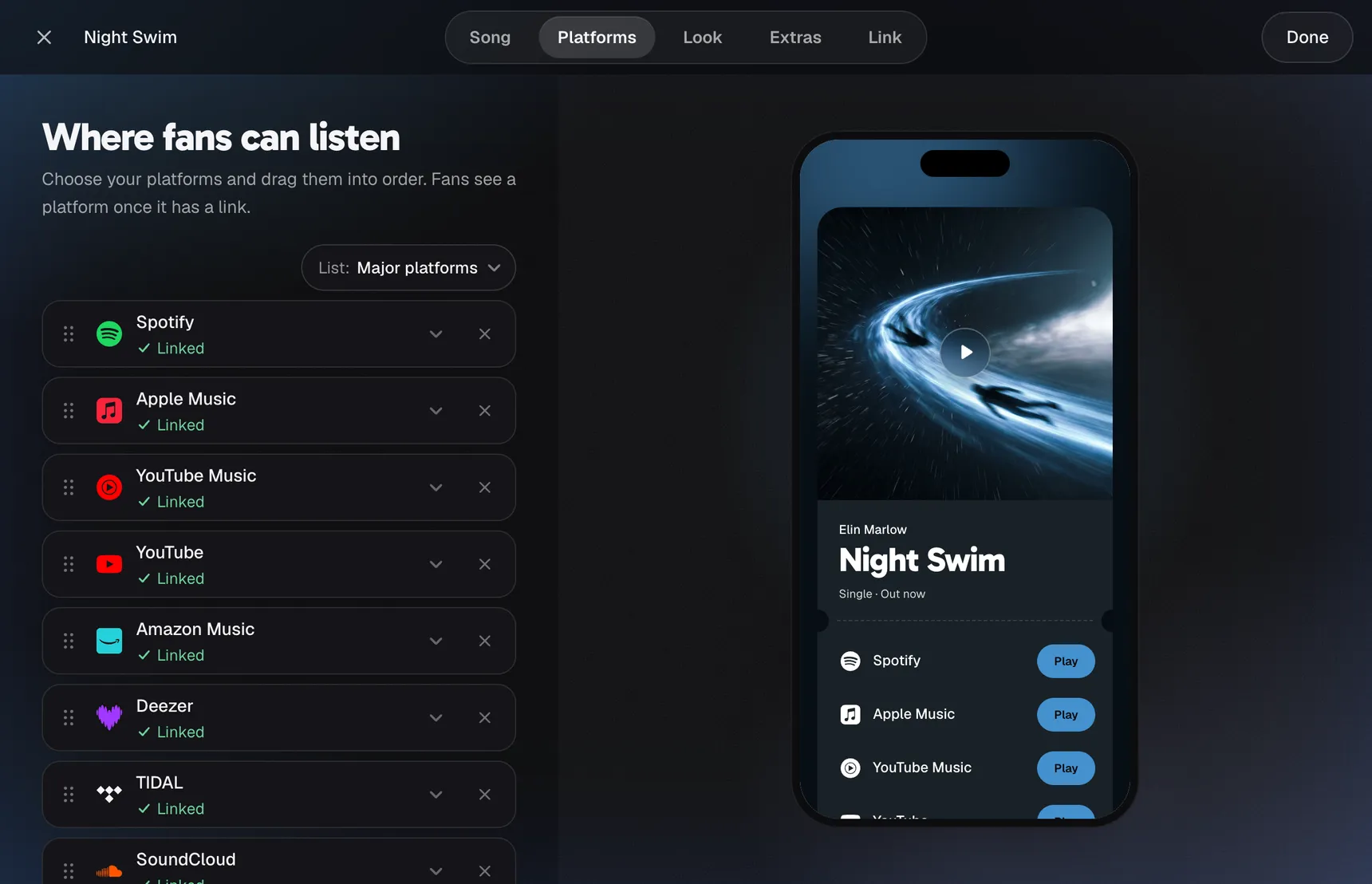
This is the step people skip. Automatic matching can miss a platform or, with a common song title, find the wrong song. New releases also don’t reach every store at the same moment. So open each link once, correct what’s wrong and add what’s missing.
4. Pick a look
Your page takes its colours from your cover, so it already looks like your song. If you want, try another layout or adjust the details.
5. Copy your link and share it
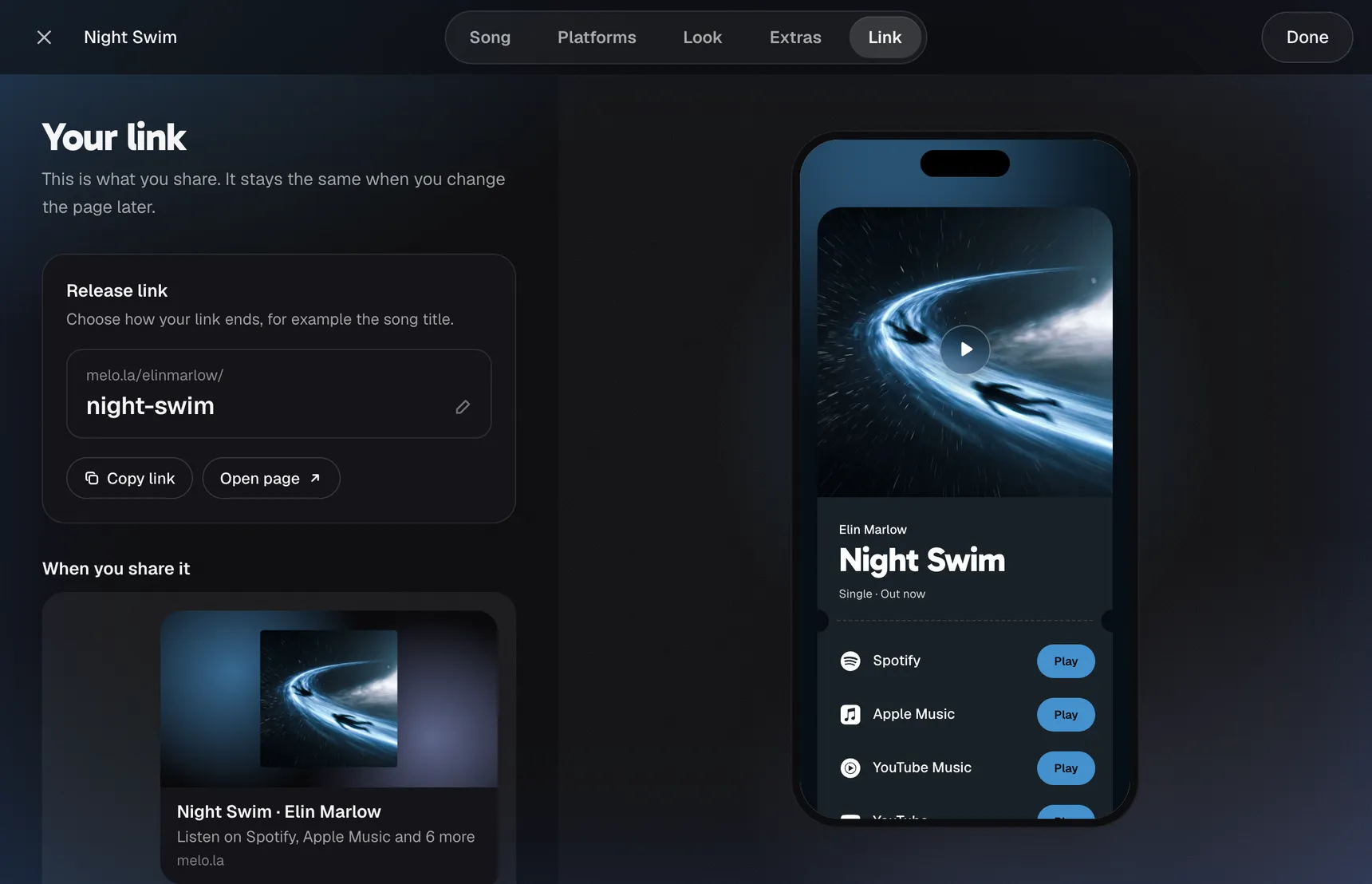
You get an address like melo.la/your-name/your-song. It stays the same when you change the page later, so everything you’ve posted keeps working. Open it on your own phone once before you share it.
What you get for free
Many distributors include a simple smart link with your release, so check that first. Here is where to look. Plenty of tools also have a free plan, and the limits differ, so read them before you decide.
On the free plan of meloshare you get 3 live release pages, a story image for each one and 7 days of stats, and your pages carry a small “made with meloshare” note. The Artist plan adds more pages, more layouts and longer stats.
When your song isn’t out yet
Before release day, most platforms have no public link for your song yet, so there is nothing to send fans to. You can still start your page without a link in meloshare and add the platforms as soon as the song is out. Pre-saves are a different thing, and meloshare doesn’t offer them.
Where to put your link
Use the same link everywhere: your Instagram bio and stories, TikTok, YouTube descriptions, messages to friends, and on flyers as a QR code. For the full plan around a release, use our single release checklist.