 Release tips
How to get a link for your song on every platform
On almost every platform it works the same way: open your song, tap the three dots or the Share button, and choose Copy link. Below are the steps for each platform, plus what to do when your song isn’t out yet or doesn’t show up.
Spotify
Find your song and tap the three dots next to it. Choose Share, then Copy Song Link. Make sure you’re on the song and not the artist page, or fans land in the wrong place.
Apple Music
On your phone, tap the three dots next to the song, then Share, then Copy. On a computer, right-click the song and use Share in the menu.
YouTube Music and YouTube
In YouTube Music, open the song’s menu, choose Share and copy the link (YouTube Music help). On YouTube, use the Share button under the video. They are two separate links, and it’s worth having both.
Amazon Music
Tap the three dots next to the song and look for the share option, then copy the link.
Deezer
Open the three dots, select Share, then Copy (Deezer help).
TIDAL
Click the three dots next to the song title, go to Share and choose Copy Track Link.
SoundCloud
On the web, use the Share button below the waveform and copy the link. If your track is private, the link contains a secret code, and anyone who has it can listen (SoundCloud help).
Menu names change now and then, and they differ a little between phone and computer. If you can’t find an option, look for the word Share. The link is almost always behind it.
When your song isn’t out yet
Spotify gives you a code for an upcoming song in Spotify for Artists. Go to Music, then Upcoming, find the release and choose Copy URI. Music can take around 48 hours to appear there after your distributor delivers it (Spotify for Artists help).
That code is mainly for pre-save tools and marketing. It doesn’t let fans listen early. For Apple Music and other platforms, ask your distributor what it can give you before release day. Some also show links in your account. See where to find links in DistroKid, TuneCore, Ditto and Amuse.
When your song doesn’t show up
- Give it time. Each platform processes a release on its own schedule. DistroKid, for example, says some releases take up to two weeks to appear everywhere.
- Search for artist and title together. A common song title alone gets lost quickly.
- Check the artist profile. If your song landed on the wrong profile, or on someone with the same name, your distributor can help you fix it.
- Check that it was sent there. Your distributor’s release page shows which platforms it delivered to.
The shorter way: find one link and get the rest
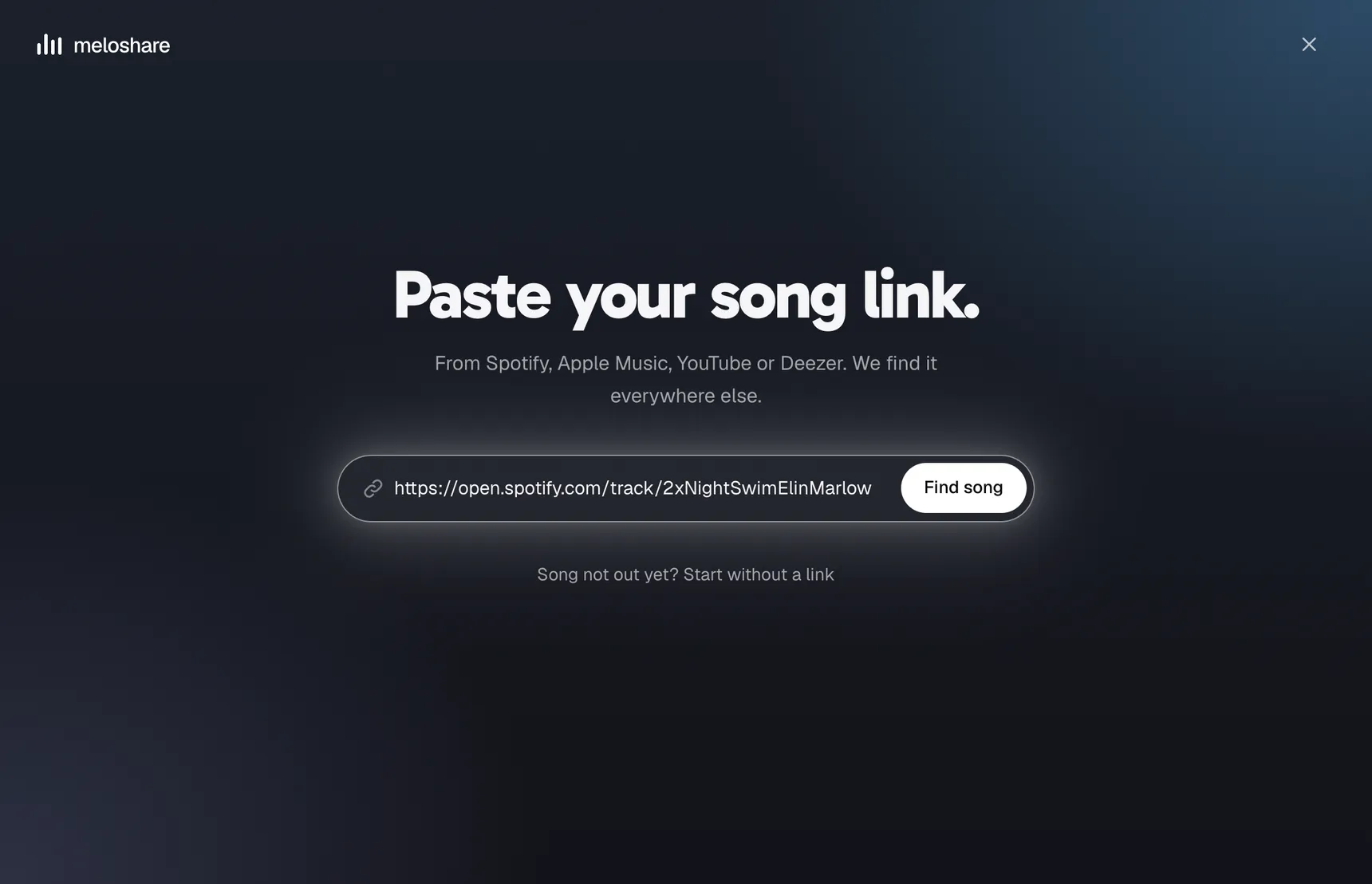
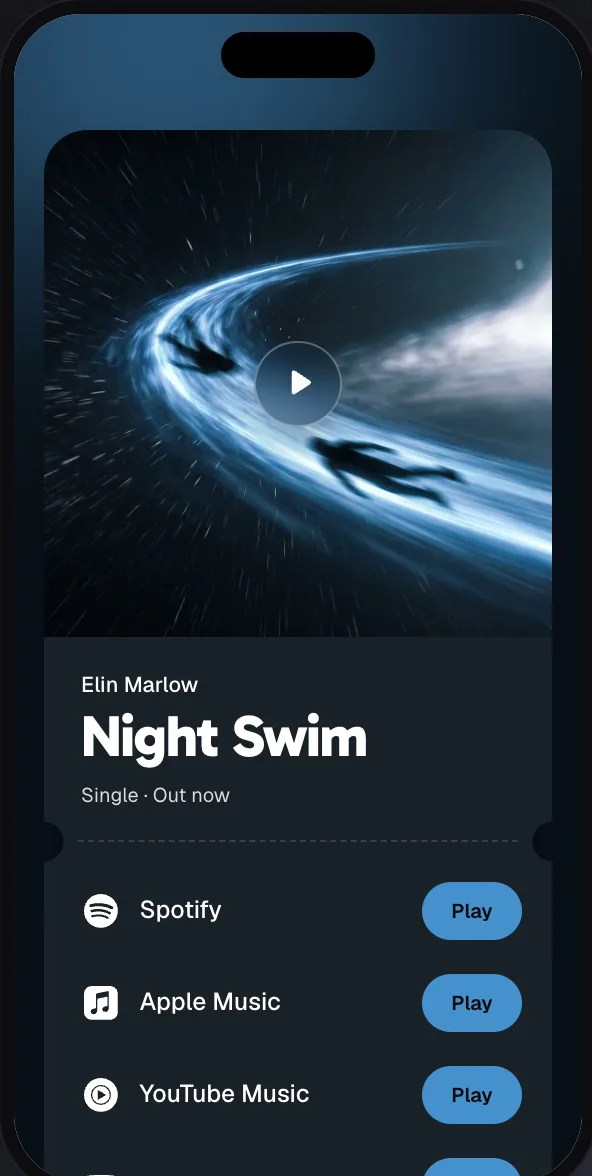
You don’t need to collect every link by hand. Paste one link from Spotify, Apple Music, YouTube or Deezer into meloshare, and it looks for your song on the other platforms. You check the result, add whatever is missing and get one link to share. Here is how that works, step by step.